Four ways GoTo connect screen sharing software improves every meeting.
Control what participants can see
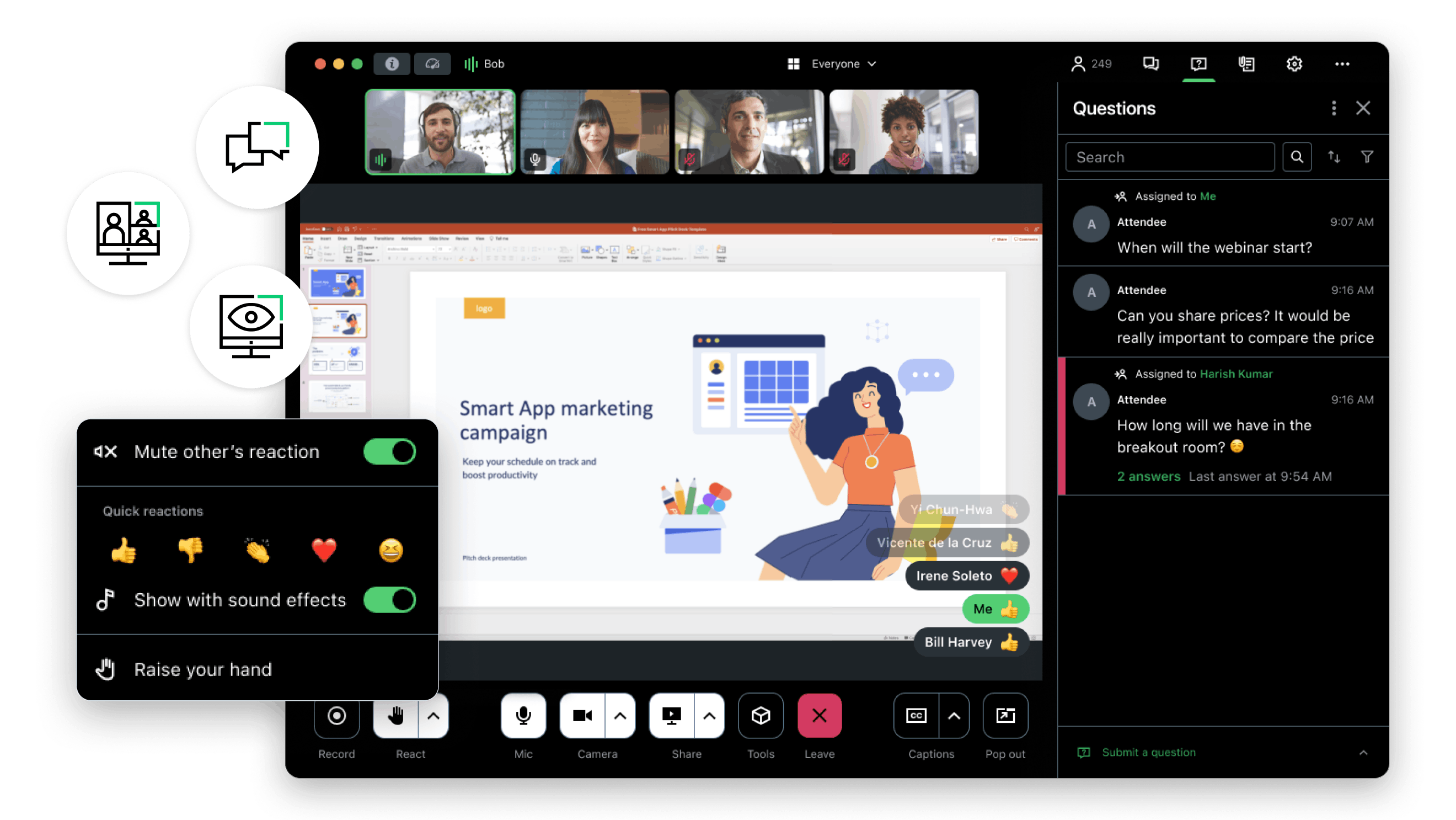
Don't worry about accidentally showing your email or anything else you want to keep private. Choose to share your full desktop or a single application.
Make the most of your time together
Anyone in the meeting can share their screen so the whole group can follow along, whether you are in the same room or working remotely. Remote screen sharing means no one has to guess what you are looking at.
Get live feedback
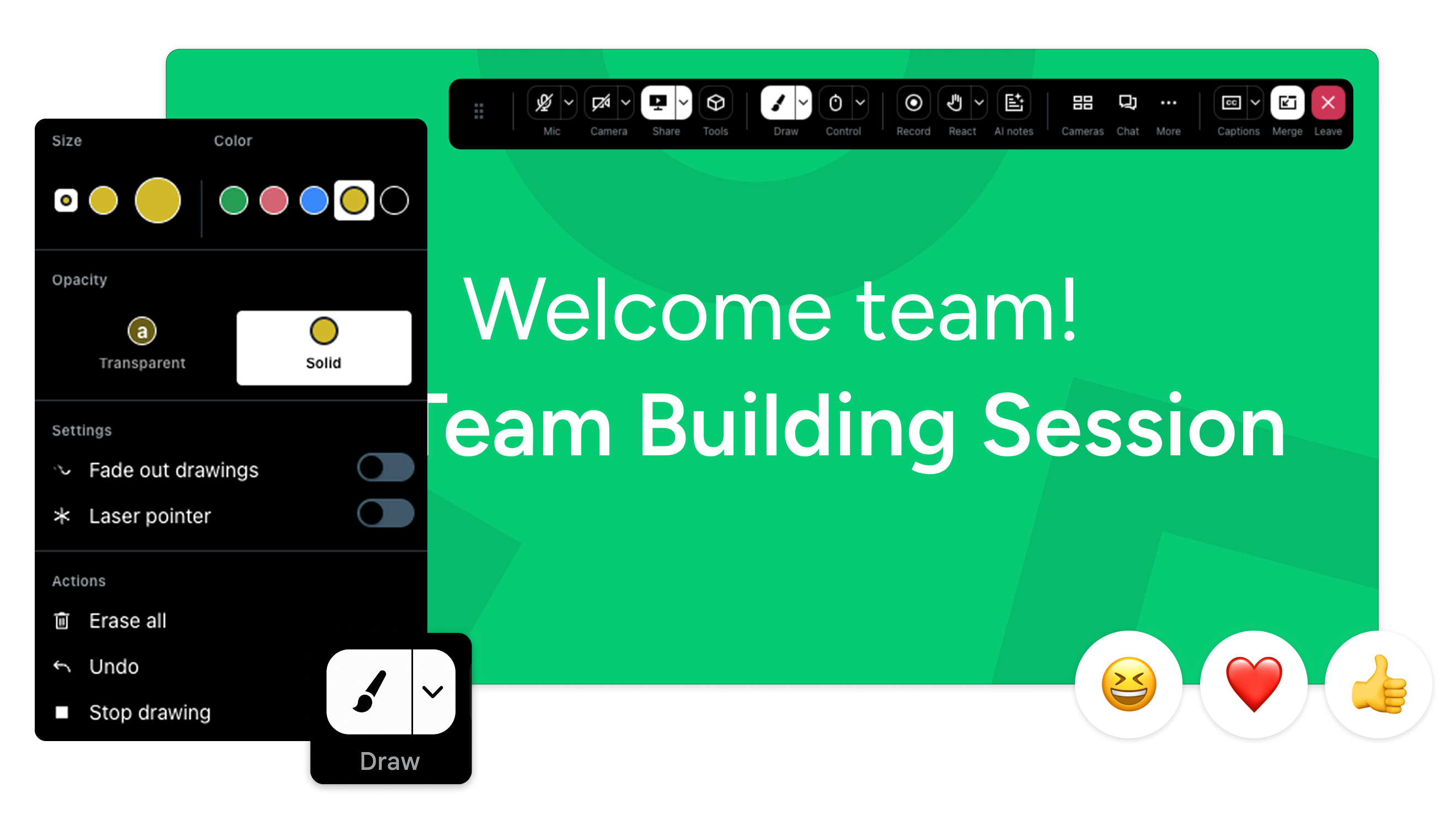
Empower your remote team by viewing, editing, and modifying documents together with GoTo Connect's drawing tools.
Safety and security
GoTo Connect helps keep data private and video conferences secure during screen sharing. Learn more about our privacy and security features.
Share your screen from any device
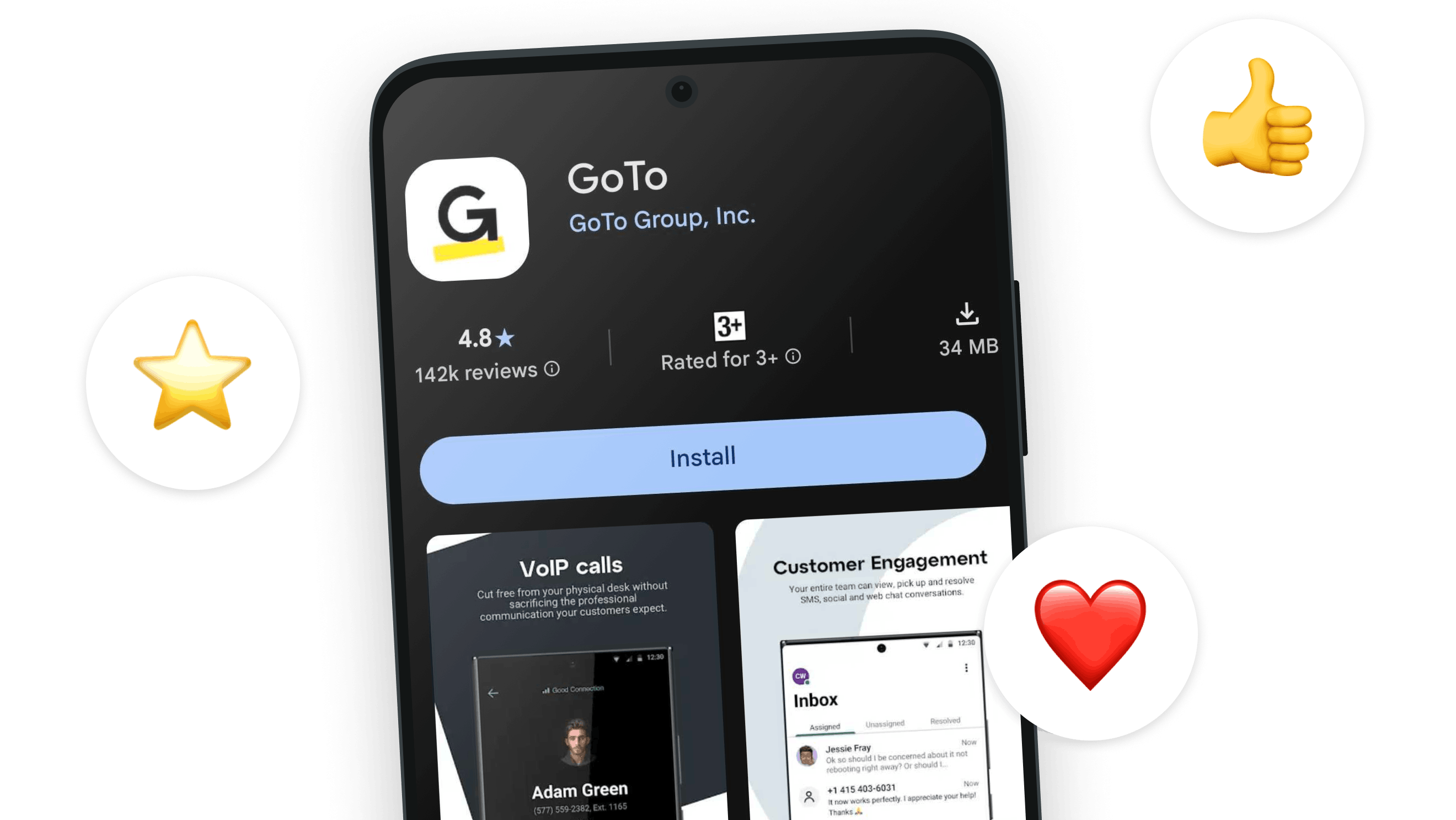
Android screen sharing
Launch and join discussions in seconds. Give every participant an over-the-shoulder view of your presentation. Share your Android screen and prepare for meetings on the go.
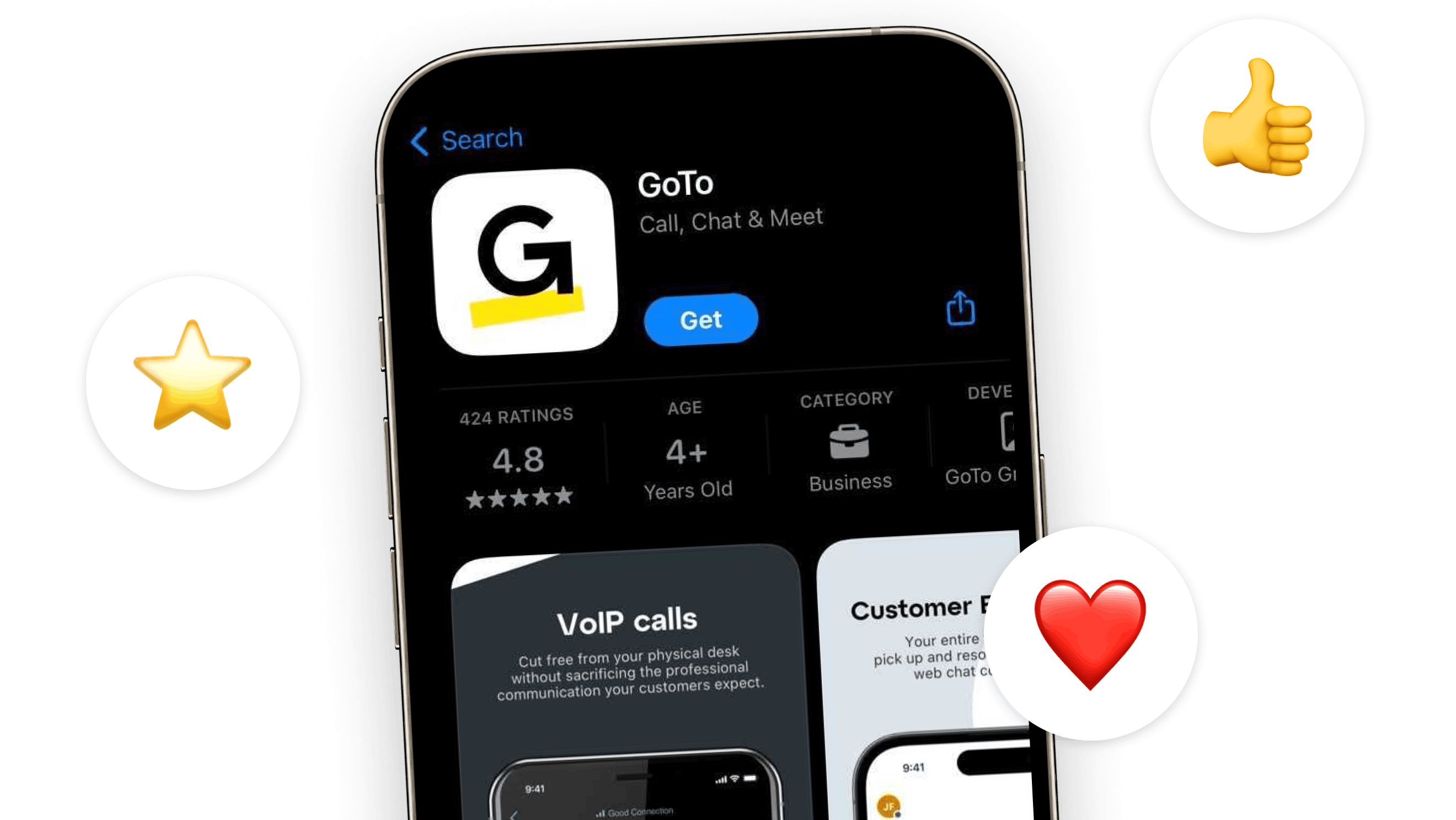
iPhone screen sharing
Host mobile demos, walk through a mobile app experience, and more with GoTo Connect iPhone screen share. No cables, no adapters, just tap and share.
Share your computer screen and markup your meeting
Draw, highlight, and point to areas of interest on the screen to illustrate your point during live presentations, sales demos, or training sessions.
Category-leading
SaaS Solution
Award-winning
Customer Support
Easy Integration
with Your Tools
Easy to use features built into your screen sharing software
Custom backgrounds
Customize your webcam background so you can work from anywhere.
Multistream HD technology
Get up to 25 simultaneous video streams at 720p for a true-to-life video conferencing experience.
Robust organizer controls
Start and pause screen sharing, pass the presenter role, and mute attendees with ease.
Presenter switching
Let any participant present to the entire group without needing to request permission.
No downloads needed
Host and join meetings right from your browser. No software installation required.
Keyboard and mouse control
Let someone else run the show on your computer by sharing remote control of your screen.
All-in-one cloud communications for growing businesses
GoTo Connect has all the tools and practical AI to support your team and improve customer interactions:
AI Features
AI-powered automation and insights that reduce manual tasks and enhance customer interactions.
Can other people in my meeting share their screen?
Can I share a single application instead of my full screen?
Is GoTo Connect screen sharing secure?
Start using screen sharing software today
GoTo Connect gives your team professional screen sharing software with the controls, security, and flexibility to run better meetings — right from your browser, no downloads needed.