How GoTo Connect Call Forwarding Works
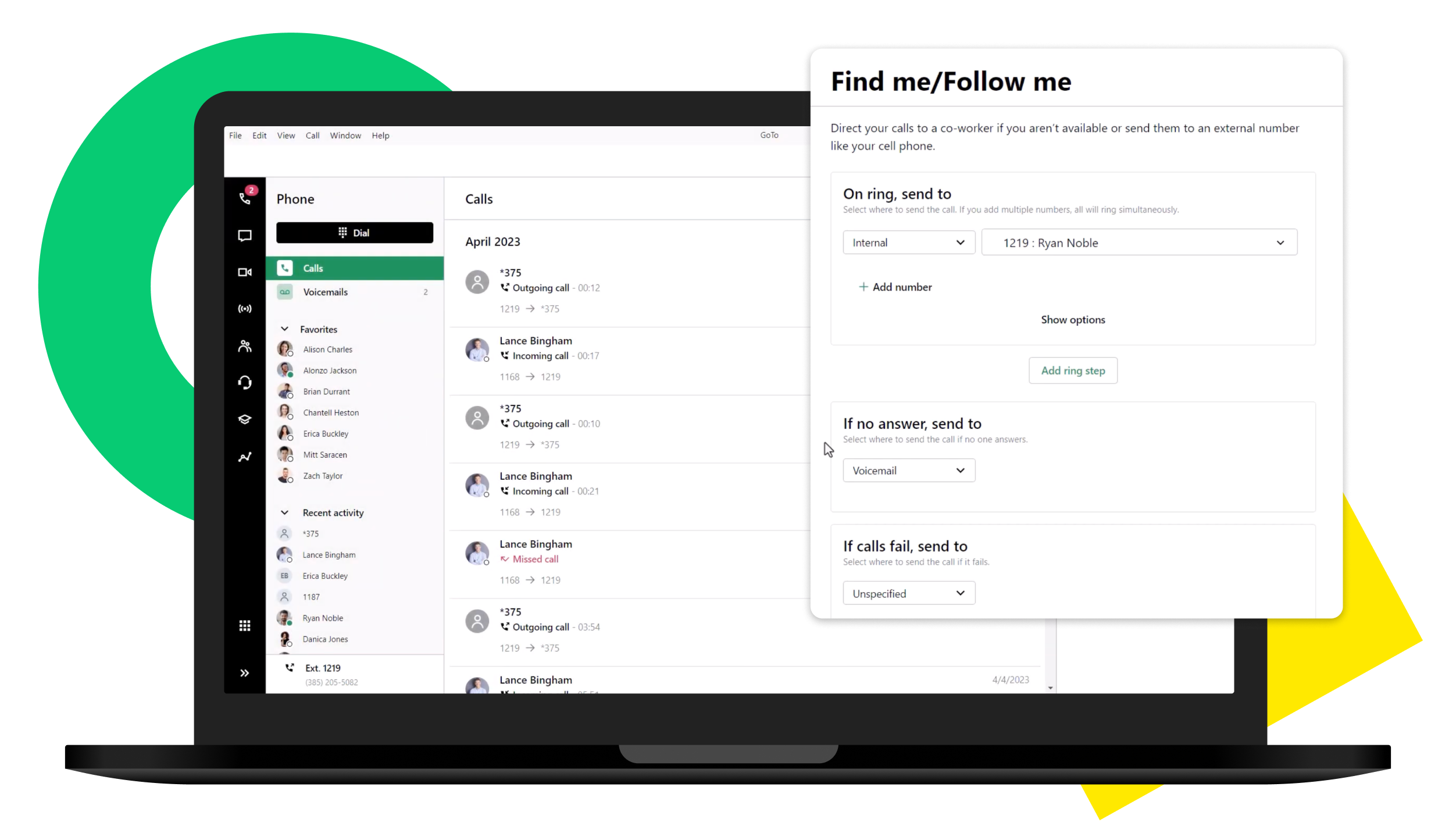
One of GoTo's most popular phone services is call forwarding. It lets you forward customer calls from your landline or cell phone to the appropriate person without losing the caller in the process. Instead of sending the customer back to the main menu on your phone system, which makes them do more of the work, call forwarding helps get that customer where they need to go quickly. They don't have to deal with a dial tone or unanswered call.
Plus, failback settings provide automatic call forwarding in the event of an emergency. If your internet service goes down, calls to your extension will automatically be sent to the specified failback phone number, such as your personal mobile phone, a designated landline, or another employee.

How GoTo Connect Call Transferring Works
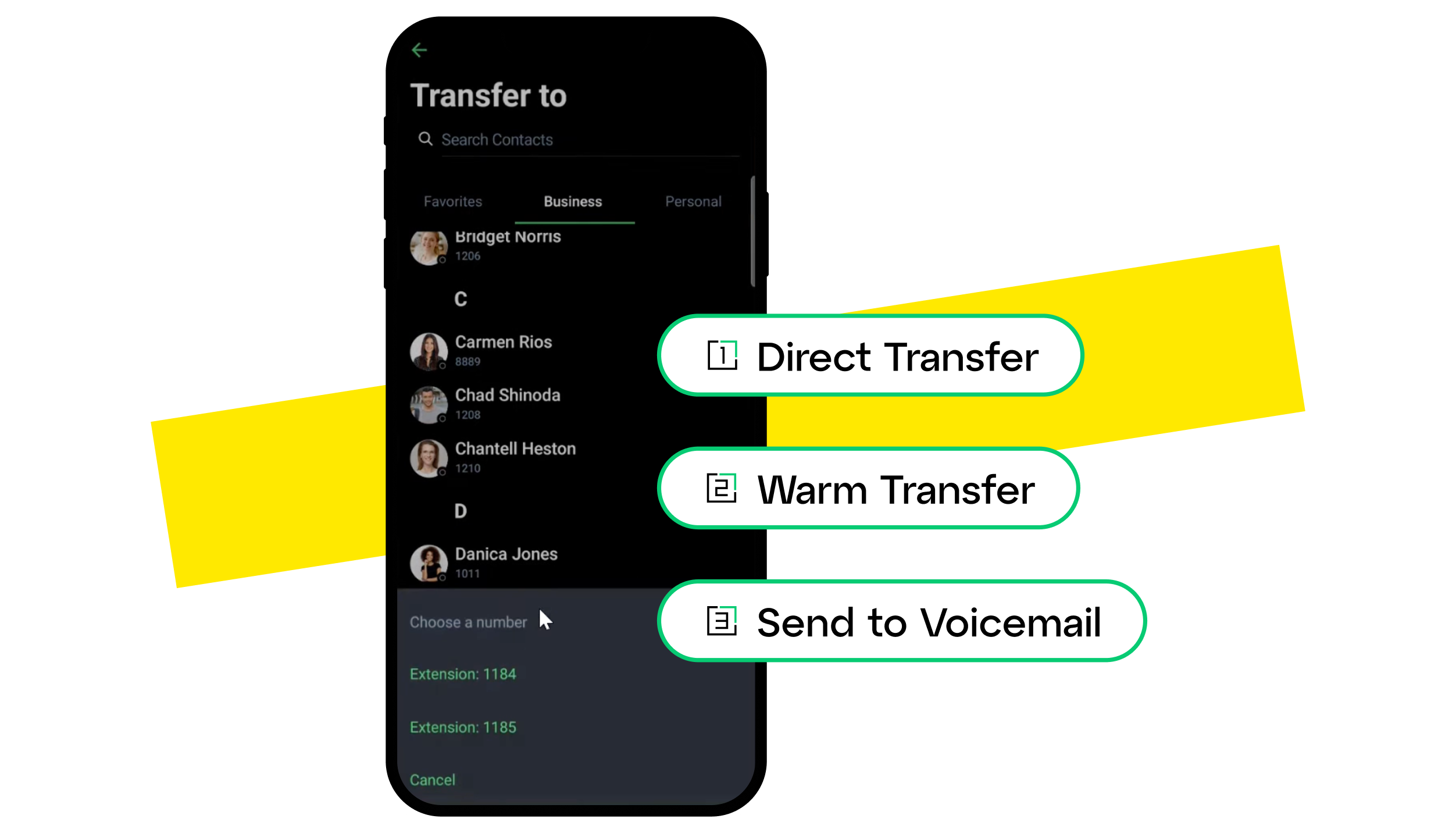
Call transfer lets you transfer a call from your line, or your smartphone, to the appropriate person without losing the caller. The easy-to-use, web-based interface allows you to configure the feature quickly and easily. This way, you can get your customer where they need to go without forcing them back to a main menu. And with warm call transferring, you can speak with the person receiving the call before transferring the call, to help provide a better customer experience. The call transfer feature also works outside your company, letting you transfer a call to any external phone number.

Why Choose GoTo Connect?
GoTo Connect makes call forwarding and call transferring easy and quick to use as part of its feature-rich VoIP service.

There are many ways to use extension transferring thanks to these beneficial calling features:
- If you frequently receive calls from people seeking a different business which unfortunately has a number similar to yours, you can set up a free extension that will automatically forward those calls to the other company.
- If you get a call that needs to be directed to another department, use extension transferring to send the call to the appropriate extension. You can do this either with an announcement (warm transfer) or without the announcement (blind transfer). With a warm transfer, you can speak to the target before redirecting the call and the receiver can see your extension. With a blind transfer, the receiver is uninformed about where the call came from and does not hear from you before receiving the call.
