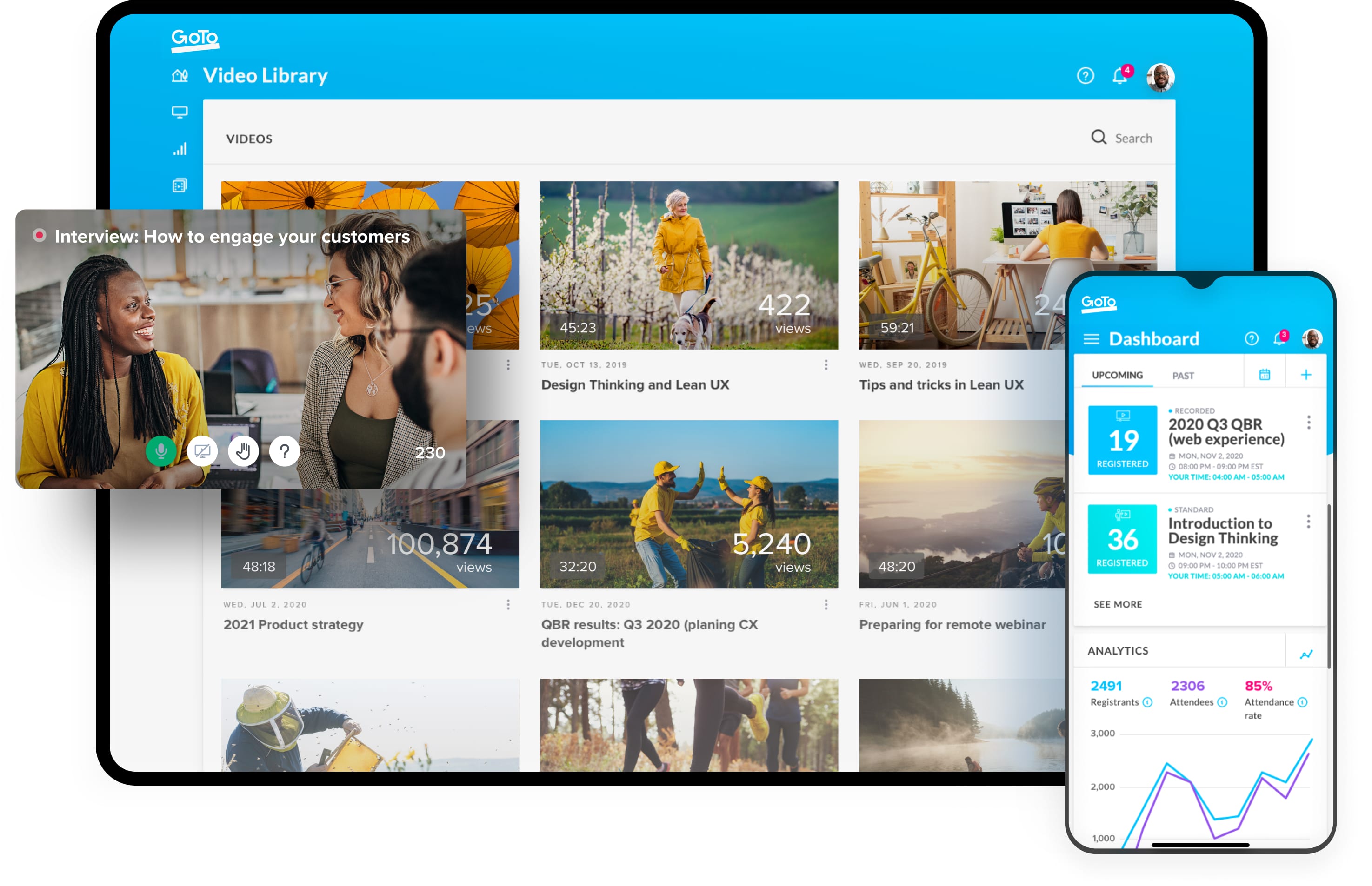
image-hero-webinar-min-png

How to Create and Manage an Effective Webinar

Turn your presentations into conversations with webinars.

What is a webinar?

""
How do effective webinars work?
An effective and engaging webinar starts with three roles: an organizer, at least one presenter and attendees. A few quick steps can help you reach your target audience and spread your message to people online.
Set a clear objective
You’ll be more successful if you have a clear goal in mind. What are you trying to accomplish?
Understand your audience
What are your attendees’ pain points? What topics might resonate with them? Use those insights to create a compelling webinar title.
Schedule your webinar
Research shows 10am on a Tuesday or Wednesday are the best days and times to host a webinar.
Promote your webinar
Use email, social channels and your own network to get the word out.
Build out your presentation
“How-to” content tends to perform best. Give your audience bite-size learnings they can apply.
Rehearse!
Make sure you practice your delivery as well as test your technical setup before the big day.
Advantages and uses of a webinar software
Increased participation is just the beginning. Check out these webinar benefits for your business.
Train employees & customers
  • GoTo Webinar lets you interact effectively with a widely dispersed workforce in real time. Provide pre-recorded or live workshops to audiences of up to 2,000 people.
Build rapport
  • Whether you use it to inform customers or educate employees, GoTo Webinar helps you engage authentically. This leads to improved customer satisfaction and increased employee engagement.
Generate leads & awareness
  • GoTo Webinar helps you better know your customers. Harness data and questions to develop a more accurate customer profile. The result: better customer targeting.
Improve sales
  • Focus on high-quality leads for your sales team. With GoTo Webinar, you spend more time with the leads most likely to pay off.
Tips for creating effective webinars
60 minutes or less
  • Keep your webinar to under an hour; if the webinar is too long, participation may drop.
Promote participation
  • Use polls, ask thought-provoking questions and provide actionable content. The advantage of webinars over standard webcasts is that webinars encourage discussion, so be sure to take steps to keep your attendees thinking, asking questions and commenting.
Quality is key
  • Keep your webinar to under an hour; if the webinar is too long, participation may drop.
Don’t rush
  • When participants feel that something is being hurried, they unconsciously try to help move it along, which means participation dries up. Instead, plan wisely so that you'll have enough time to get through what you need to, while still leaving space for Q&A.
How to create a webinar
Creating a webinar with GoTo Webinar takes just a few steps.

GoTo Webinar reviews

GoTo Webinar is easy to use. Creating a webinar is just a few steps away.
"The GoTo suite not only saves travel costs for me, but allows me to train and collaborate with my coworkers who are working remote, which is awesome."
Sales Representative, Small Business Financial Services Company
Extend your reach
Tailored to your business
The world is getting smaller. Individuals can now connect with one another at any time, from almost anywhere via the internet. Mobile smart devices, HD live streaming and near-universal Wi-Fi accessibility are pushing the limits of telecommunication.
Start for free
Webinars can help you accomplish your business goals and boost your bottom line. See our plans and pricing or sign up for a free trial.
Get answers to all of your webinar questions
Contact us
Have questions? Want to see a live demo? We'll be in touch within 24 hours.
Support
Check out our help center for answers to common questions.
yellow-blue-white-jpeg
Try GoTo Webinar free for 7 days

Or contact us to learn more about live webcasting for larger events with GoTo Webcast.