

Your clinical systems, finally working as one
Seamlessly integrate with leading EHR, PM systems, and Healthcare workforce platforms to unify data, streamline workflows, and enhance the patient experience.


Secure connections built for your team

Protect your schedule. boost your revenue
Automated texts and scheduling let patients manage appointments on their time, reducing no-shows and protecting revenue.

Less documentation, more patient care
Instant EHR context and AI-powered automation means more time with patients and less time on paperwork.

HIPAA ready, engineered for Healthcare
Encrypted data transfer, audit trails, and Business Associate Agreements keep every interaction secure and HIPAA complaint.
Every call answered. Every slot filled.
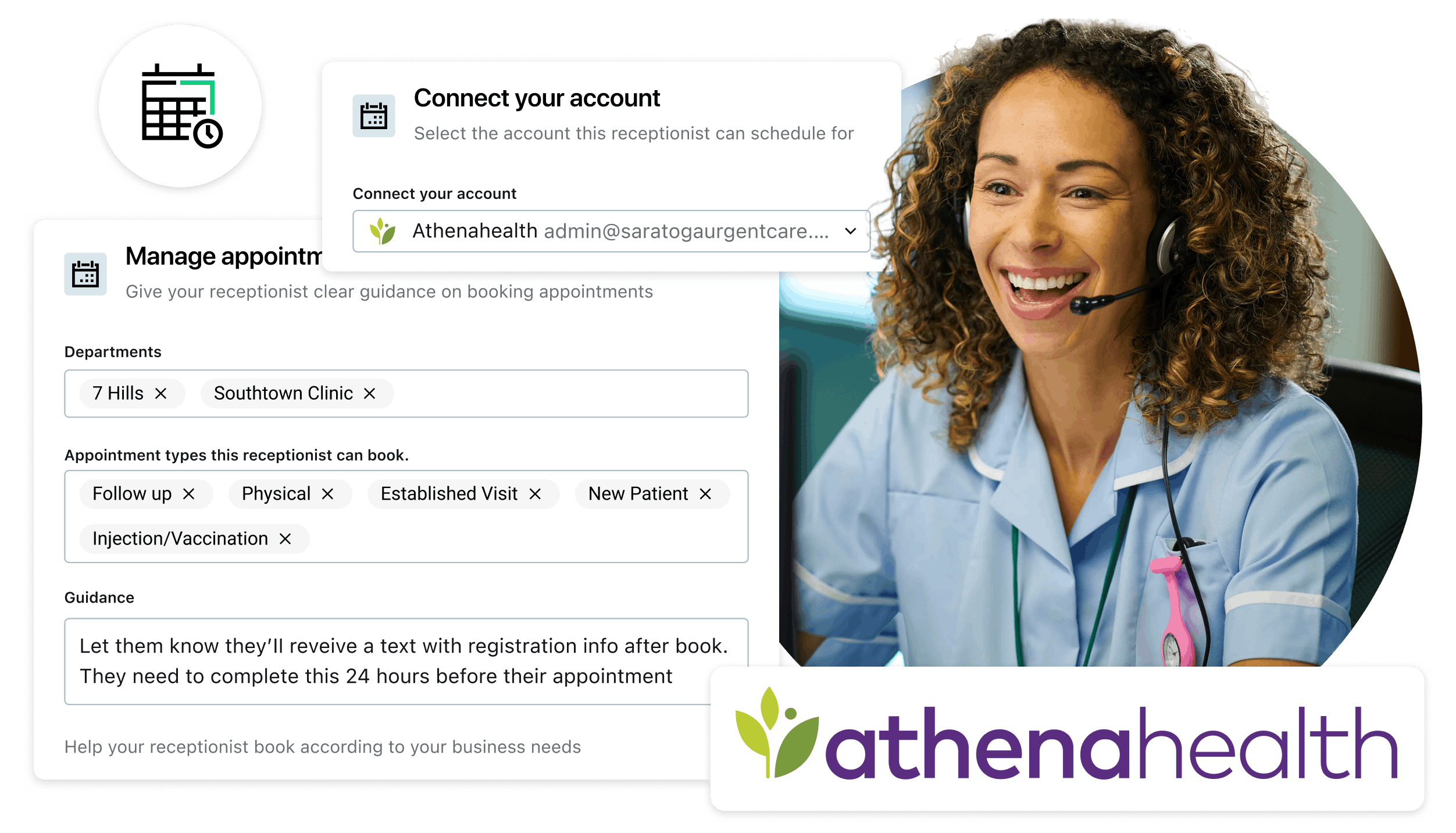
Missed calls mean missed revenue. GoTo Connect for Healthcare integrates directly with athenaOne, letting patients book, reschedule, and cancel appointments 24/7, without adding headcount.
Features that keep care teams in sync
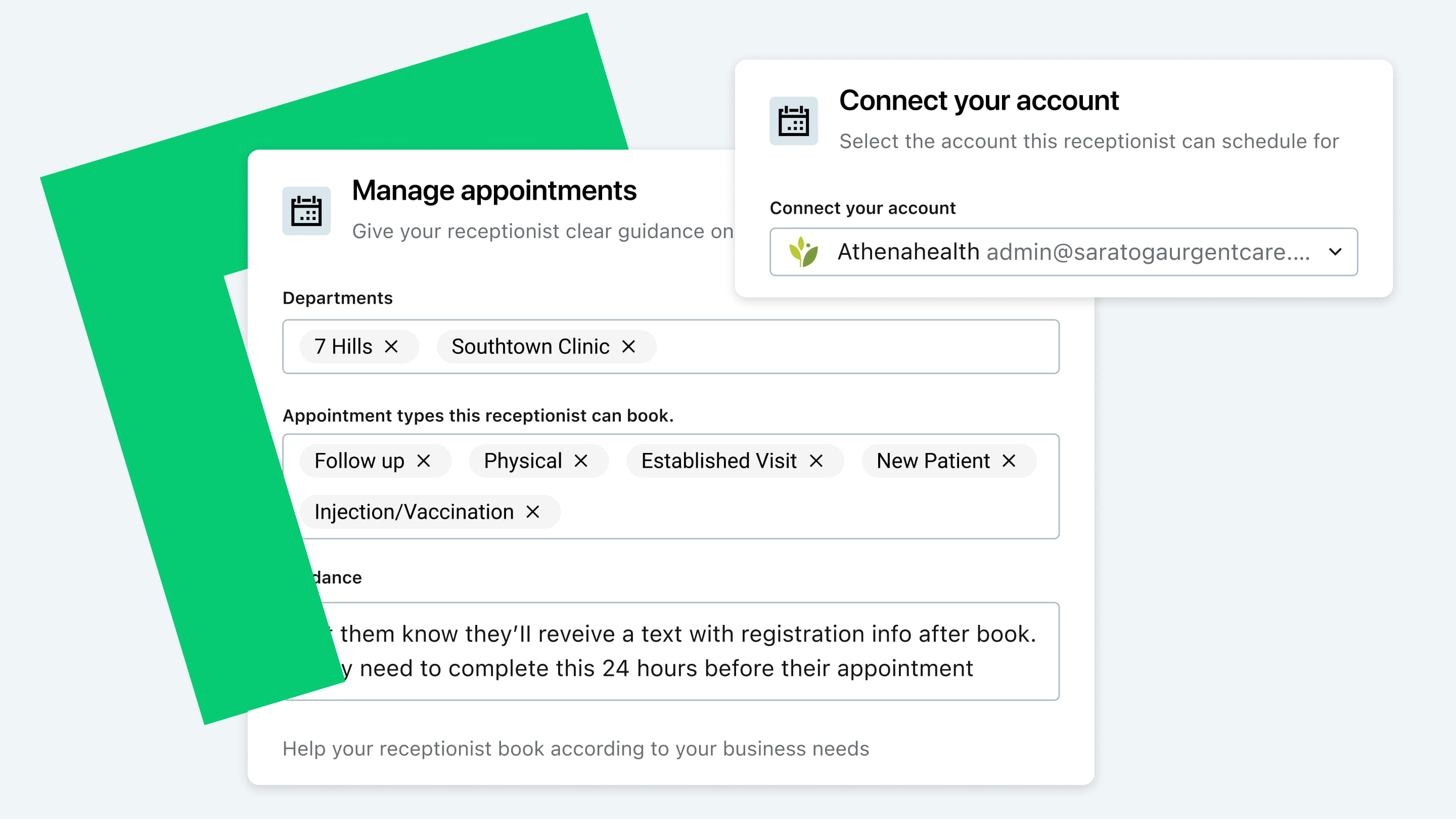
AI Scheduling
Automatically book, reschedule, and cancel appointments 24/7.
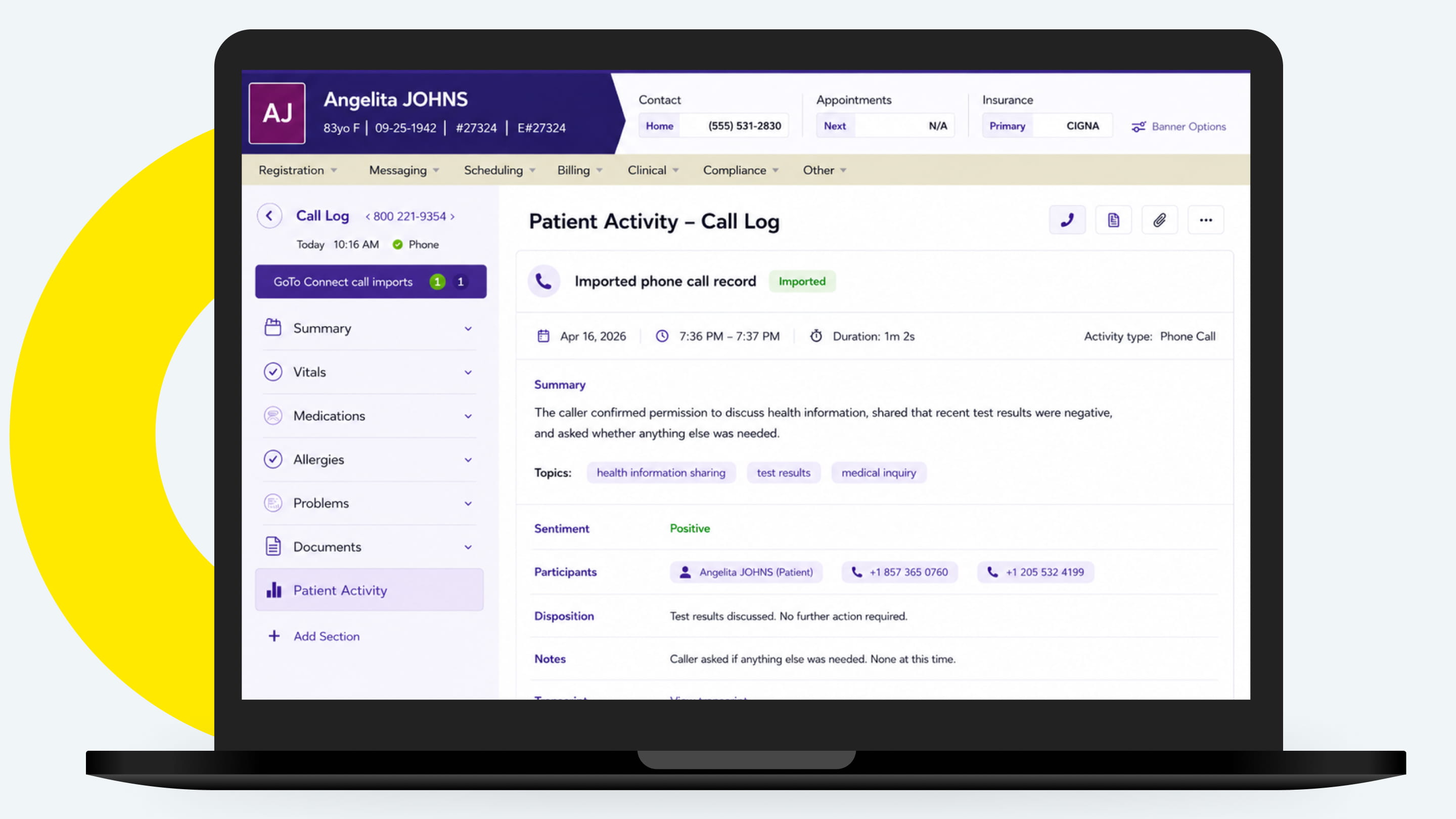
AI Call Logging
Auto-summarizes calls with key insights, saving staff time on documentation.
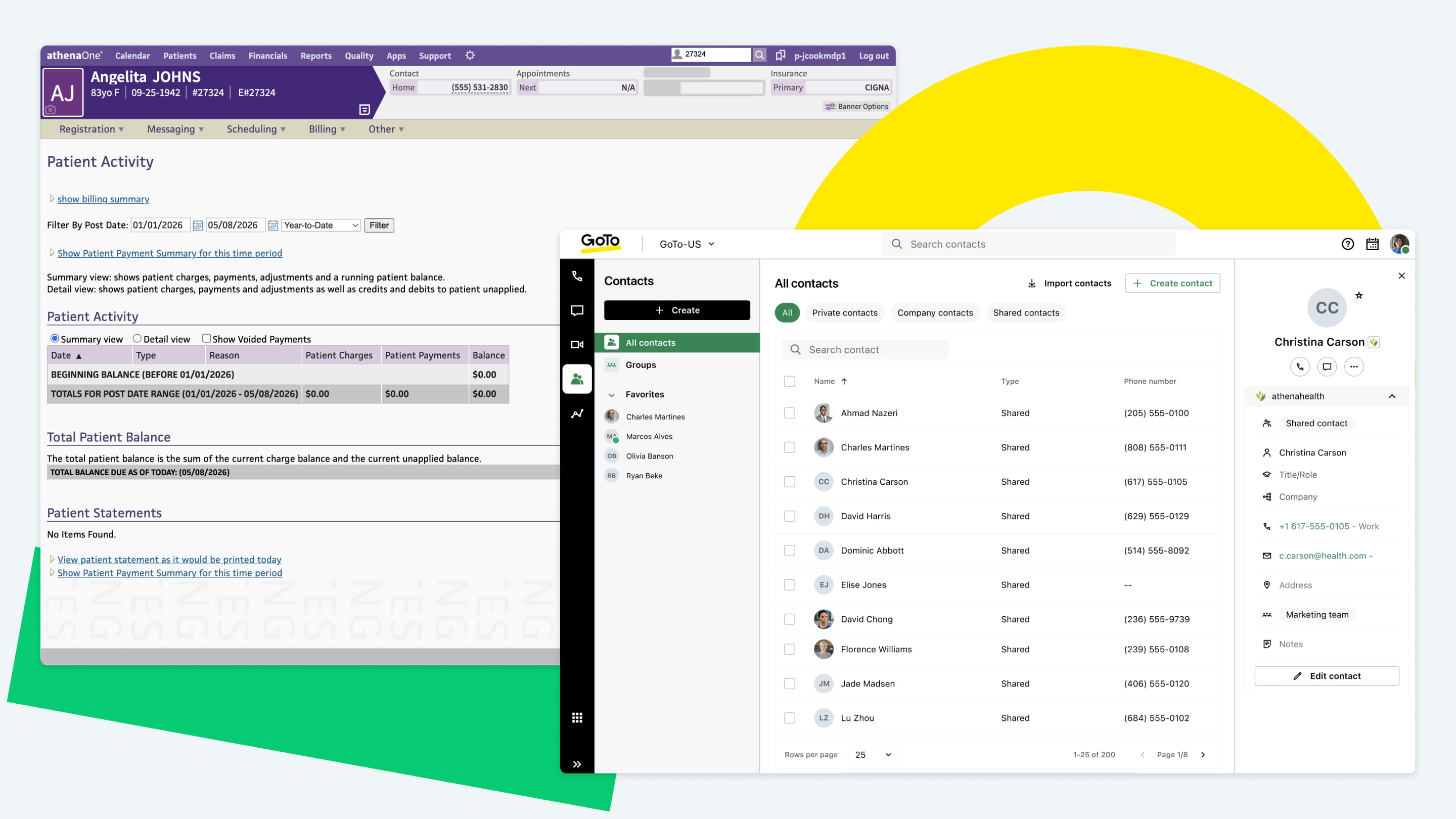
Contact Sync
Keeps patient contact details current across systems so staff reach the right person.
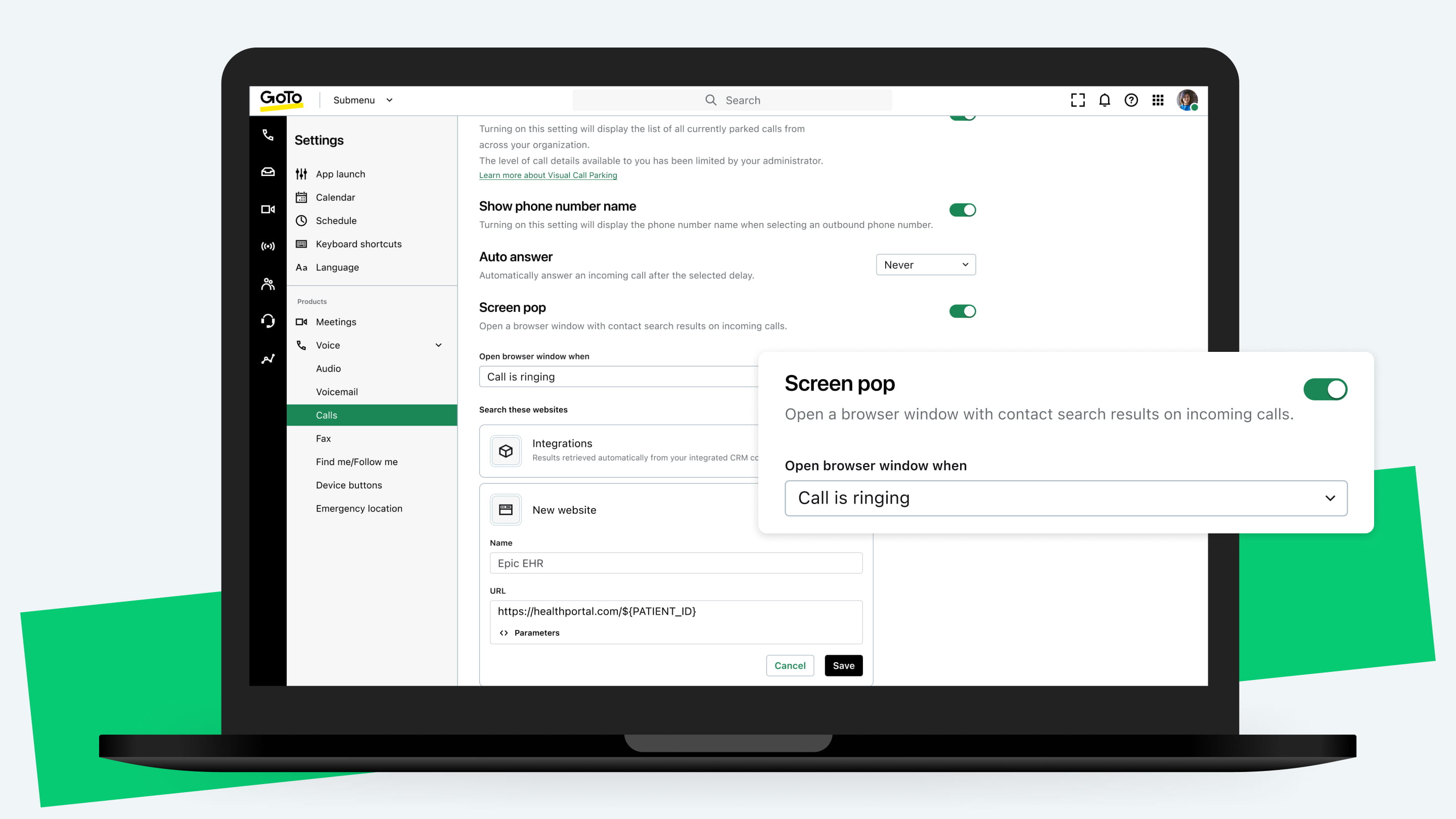
Screen Pop
Opens the patient record instantly on incoming calls for faster, more informed care.
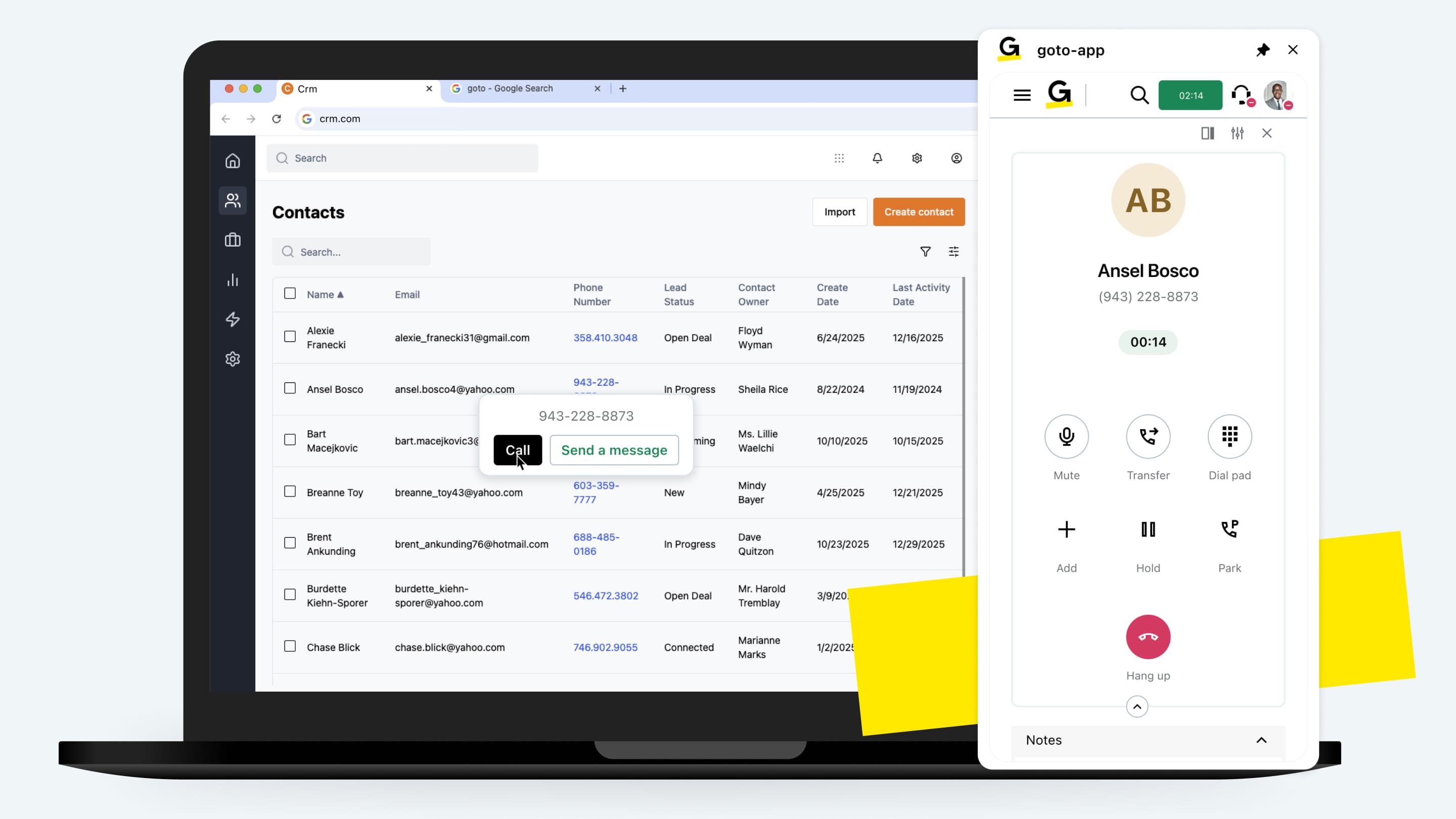
Click-to-Call
Calls patients directly from the EHR with one click for quick, contextual outreach.
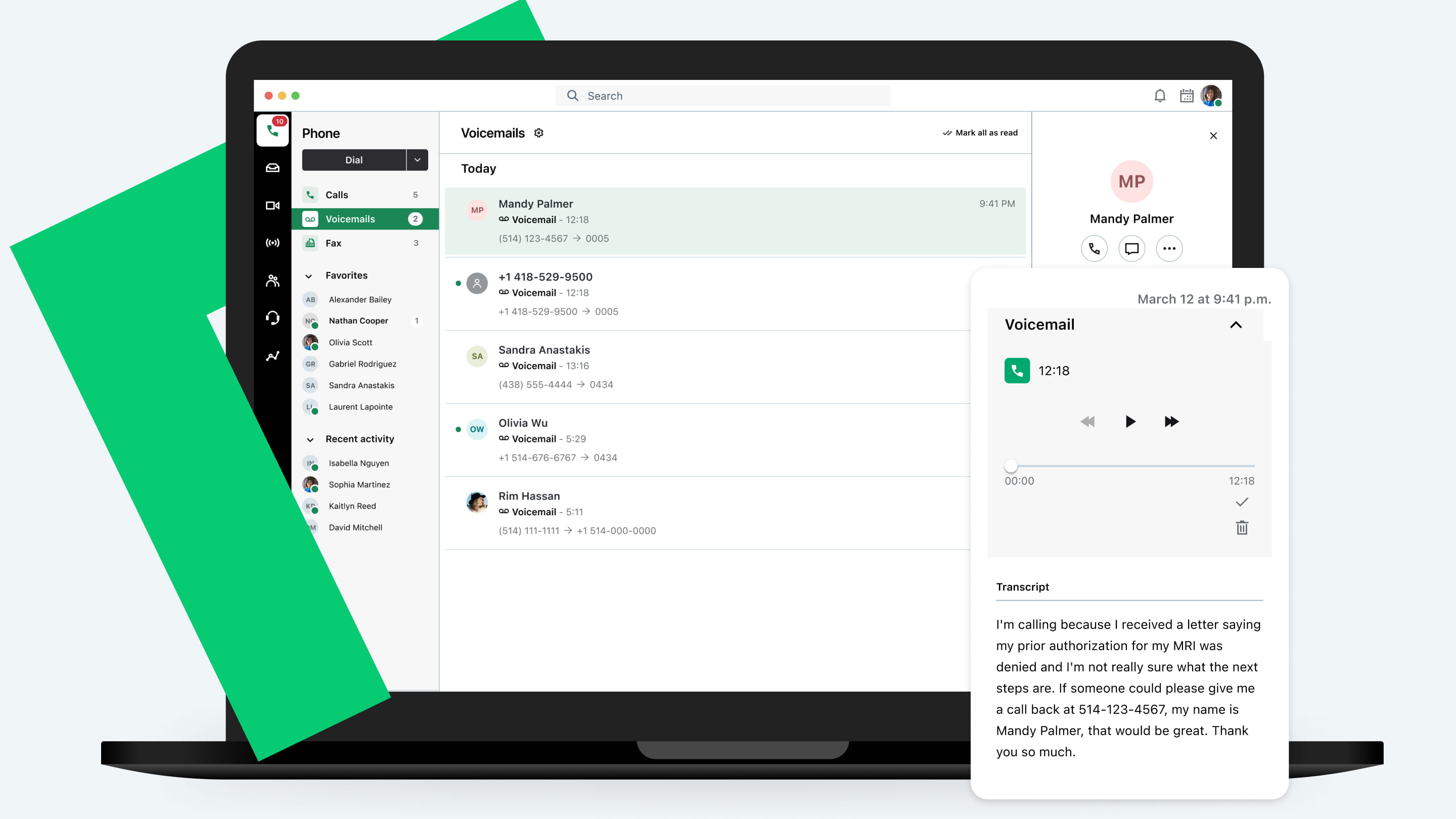
Voicemail Transcripts
Turns voicemails into text and attaches to patient records for faster follow-up.
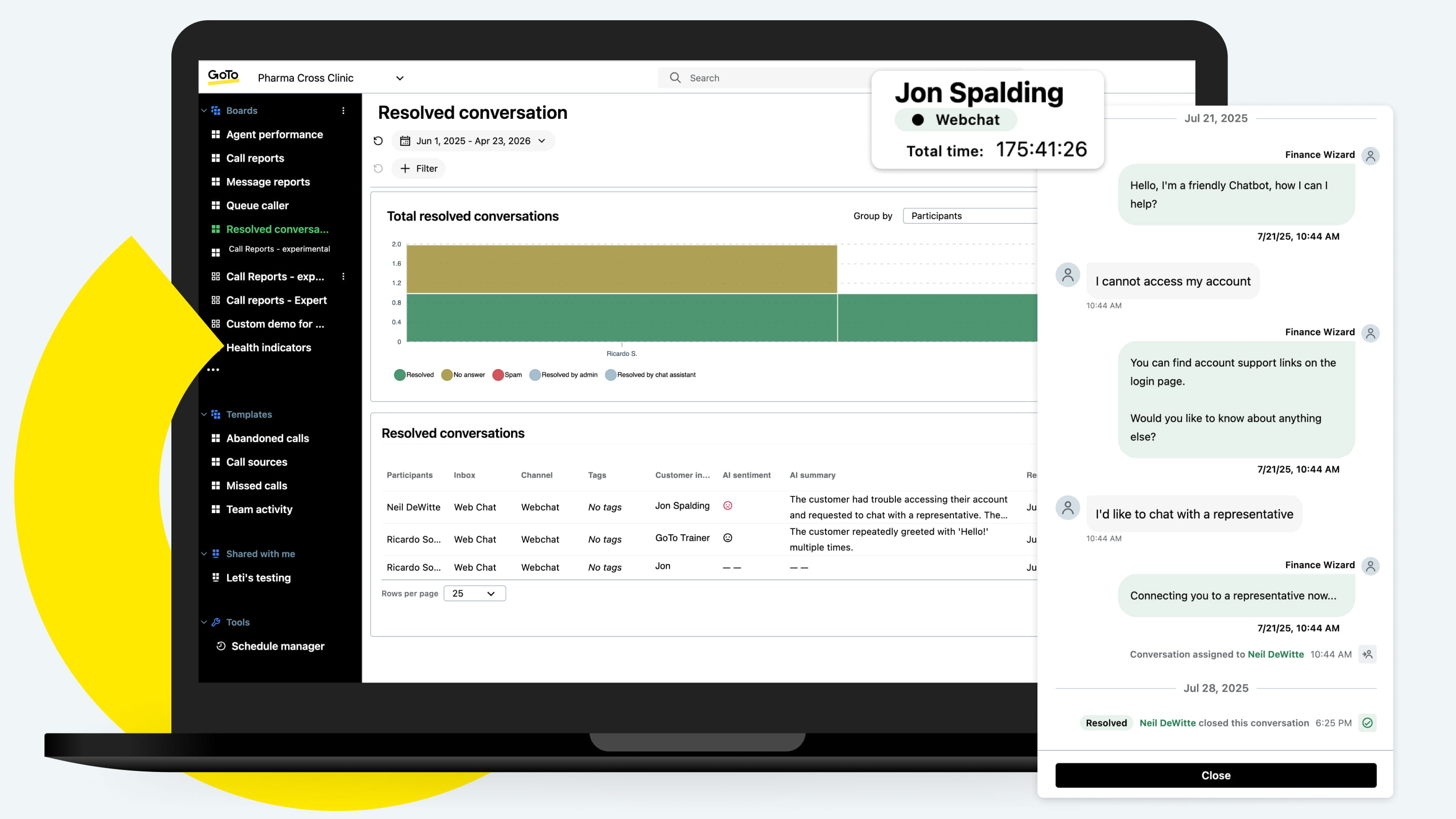
Inbox History
Archives resolved conversations to records so nothing gets lost or repeated.
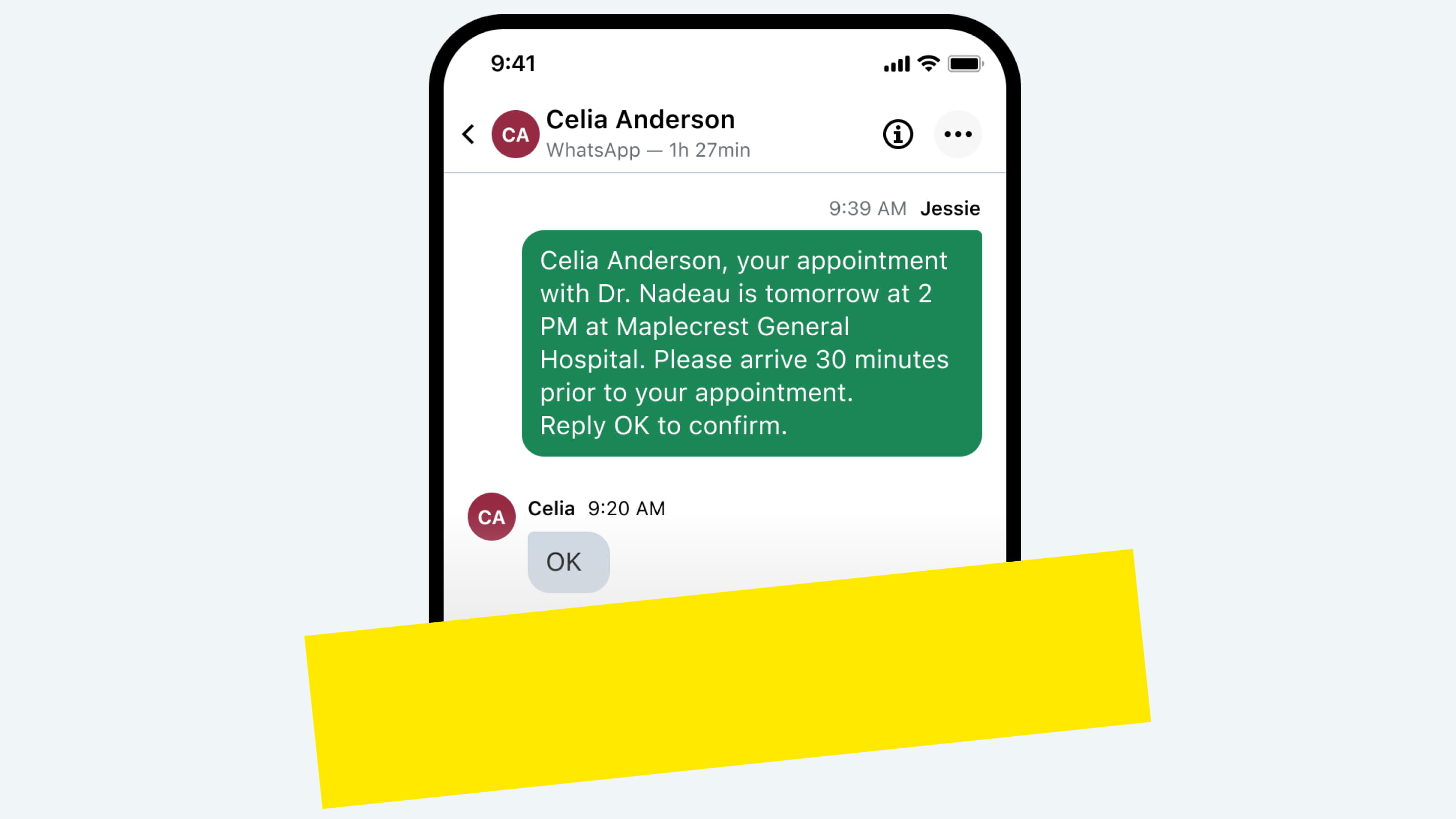
Text Reminders
Sends appointment texts to confirm, cancel, or reschedule and reduce no-shows.
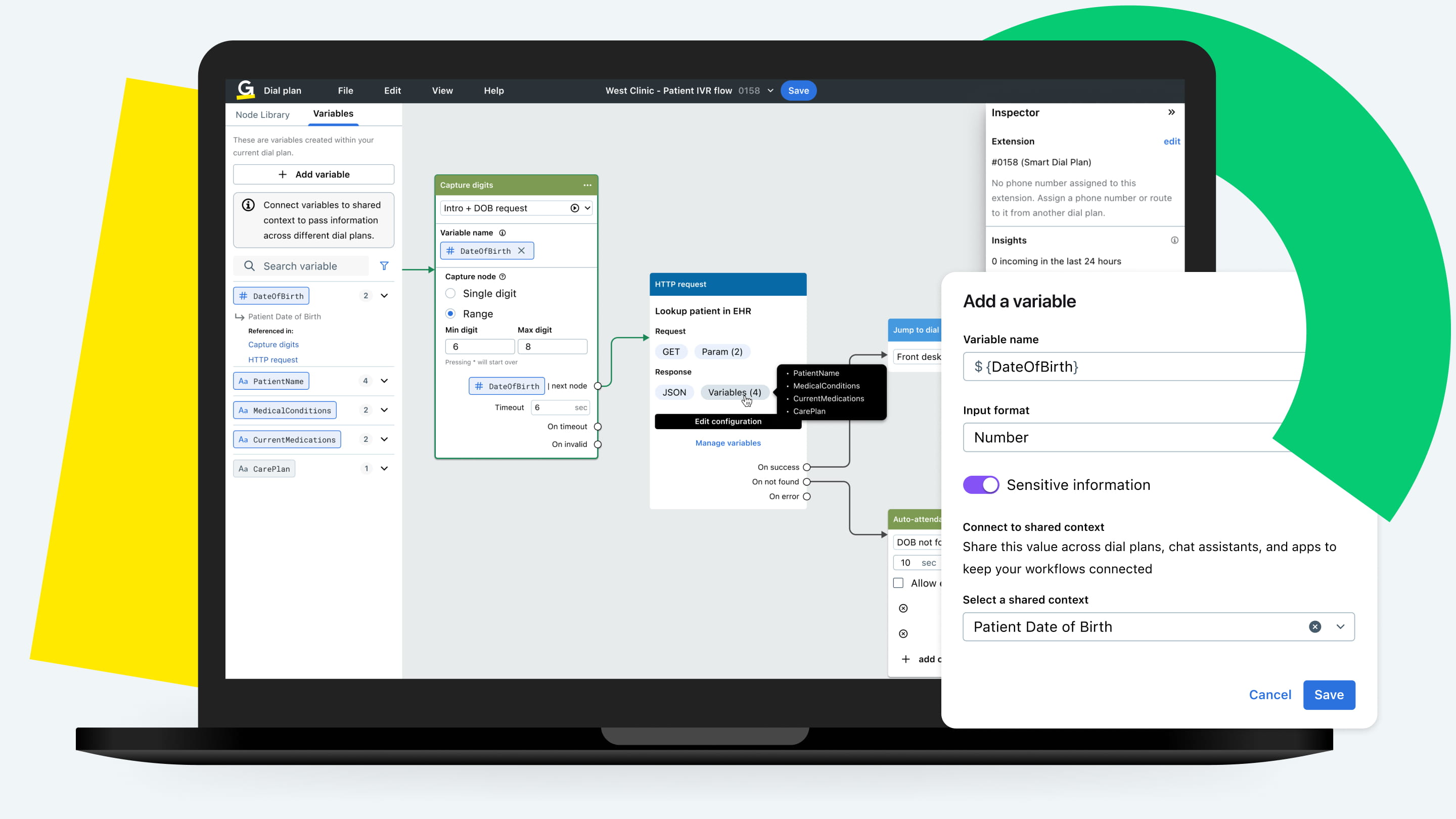
Advanced Routing
Automatically routes patients to the right provider or department using EHR data.
One BAA. No middleware.
- One agreement covers your healthcare communication platform, AI, and EHR integration with no separate vendor compliance contracts.
- Fewer security gaps, simpler compliance, and no additional data exposure.
- Patient data syncs through encrypted channels using FHIR standards, backed by SOC 2, SOC 3, and TRUSTe certifications.
- Role-based access controls ensure staff see only what they need, with a complete audit trail.

Frequently asked questions
Do you need a separate add-on for integrations?
How are GoTo Connect’s integrations different from other platforms?
Are the integrations HIPAA-compliant?
Do GoTo Connect's EHR integrations use FHIR standards?
What data is synced between my EHR and GoTo Connect?
Do I need IT support to set up the integrations?
What if my practice uses multiple EHR systems across locations?
Will integrating with my EHR disrupt my current workflows?
Do the integrations work with my practice management (PM) system?

Your platforms. Your workflows. Fully connected.
We integrate with the tools your practice relies on. Find your platform and see what's possible.