

Interprefy
- Página inicial

- Integrations
Interprefy


Overview
Reach a global audience by adding real-time translation to your webinars. Interprefy integrates seamlessly with GoTo Webinar, allowing live interpreters and AI tools to translate your content live into multiple languages for Standard Webinars.
Allow participants to listen in their preferred language by requesting a token key from Interprefy Team. You can access the form here to request a token key.
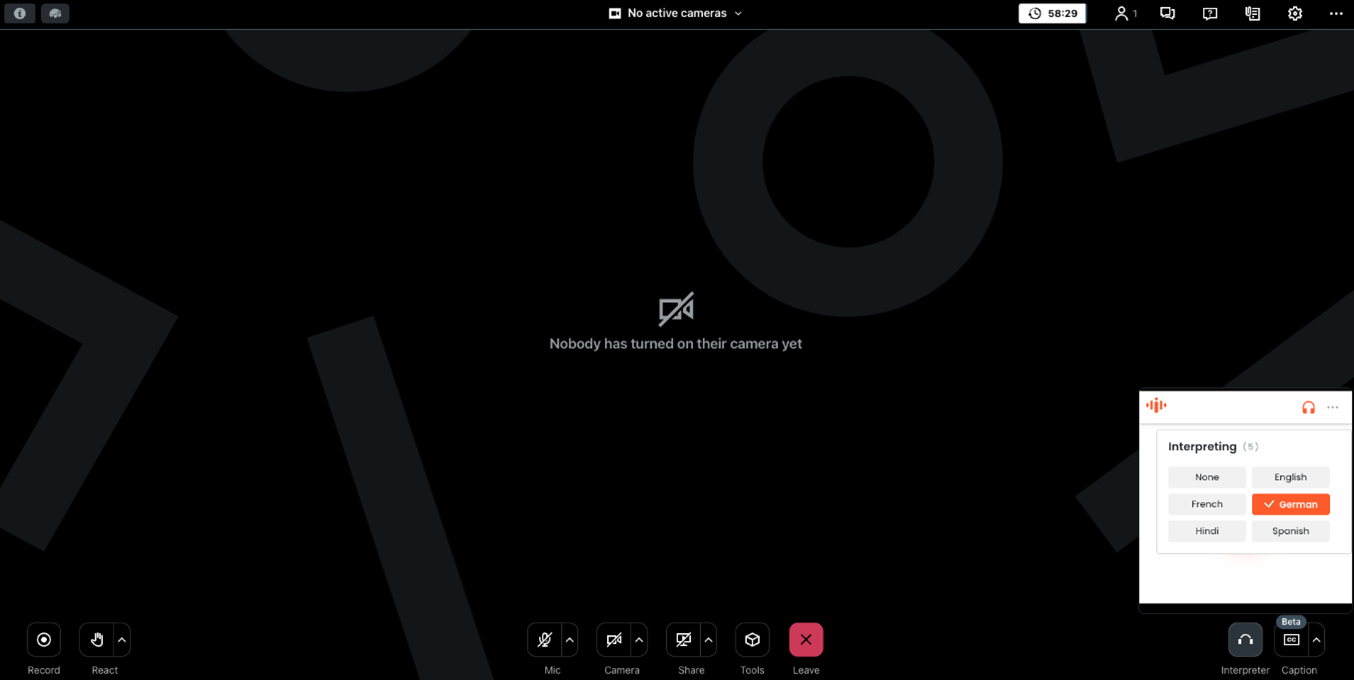
A dedicated "Interpreter" icon will appear at the bottom right of every participant's screen, no matter how they join or prefer to view the webinar. By clicking this icon, participants can select their preferred audio language from the available options. Once chosen, the selected language will replace the original audio for that individual participant. The language they hear will be provided either by a live interpreter or AI, as determined by the Interprefy Project Manager overseeing the translations for that session.
Overview
How To Install